2026 is here, bringing a wave of surprising tech trends focused on re-humanizing our digital lives. From the resurgence of wired headphones to the rise of home NAS devices, discover the five key tendencies shaping this year.
Learn how to personalize Obsidian with themes, custom CSS, and layout tweaks to create a comfortable and efficient note-taking environment that fits your workflow.
Why I trust Obsidian for every note. See my personal workflow and how the simplicity of Markdown and plain text files offers unmatched speed, longevity and flexibility compared to Notion.
Learn how to install Jupyter Notebooks on macOS, set them up in VS Code and start writing interactive Python code for data analysis and visualization.
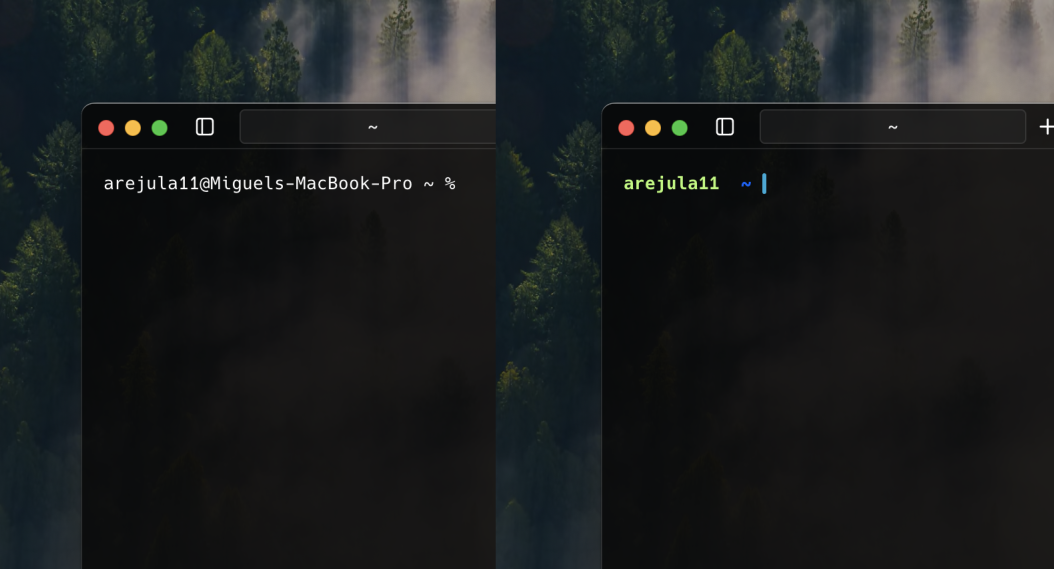
Learn how to create a powerful and beautiful terminal environment from scratch; from choosing a shell and prompt to configuring colors, fonts and tools.
Practical advice for Informatics Engineering students: from using Git and GitHub early, to self-learning, building a portfolio, and preparing for the professional world.
My collection of Terminal configurations to boost productivity and enhance its appearance.
My collection of Visual Studio Code shortcuts to boost productivity.